Make a backing track
Remove the lead vocal for practice, rehearsal, or a cover.
Paste a public Suno URL and use AI to create separate vocal and instrumental stems you can preview before downloading.
Choose a source, separate it with AI, and download both stems.
Paste a public Suno URL or upload MP3 or WAV.
TuneStem imports the audio and creates vocal and instrumental stems.
Download the completed package when processing finishes.
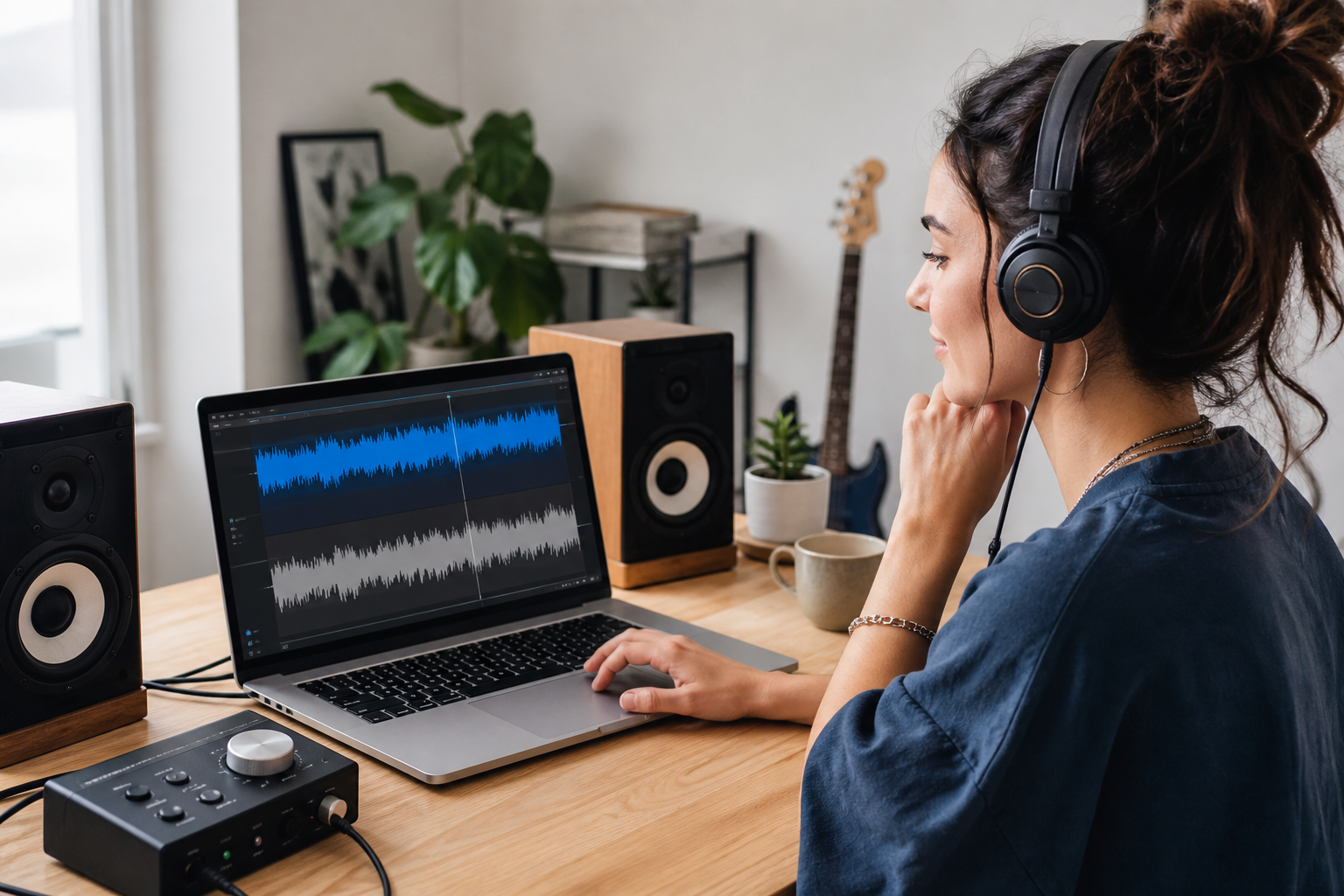
Remove the lead vocal for practice, rehearsal, or a cover.
Use the isolated vocal to prepare a remix or mashup.
Place music more cleanly around video, podcasts, or spoken content.
Hear how the voice and instrumentation work together.
Yes. Your first AI separation is free. After that, public Suno links and uploaded audio use the same TuneStem AI credits.
Paste the public song link, or upload a downloaded audio file you have the right to process. TuneStem uses AI source separation to create two playable stems: vocals and instrumental.
Yes. Each stem has its own play button and timeline. Listen to the vocals or instrumental on its own before downloading.
Results depend on the mix. Layered vocals, strong reverb, distortion, and instruments sharing the vocal frequency range may leave audible traces.
Use the instrumental for practice or covers, isolate vocals for remix preparation, or create cleaner audio edits for video and social content. Only process and reuse audio you have the rights to use.